
Examples and your own videos
Know what a public sample demonstrates and where to find the result associated with your own task.
The short answer
A public example can help you understand a visual direction. It does not establish that your photo has been used, that a private task finished or that every subject will produce the same result.
In this guide
At a glance
| Review point | What to check |
|---|---|
| Read what the sample is | Reference, illustration and site output have different evidential roles. |
| Compare the same kind of task | A similar background is not the same subject workflow. |
| Find your personal work in the account | A sample player is not the private task history. |
| Review your own complete result | Do not borrow the sample’s quality judgment. |
| Download from the selected personal work | Keep the output and its record together. |
Read what the sample is
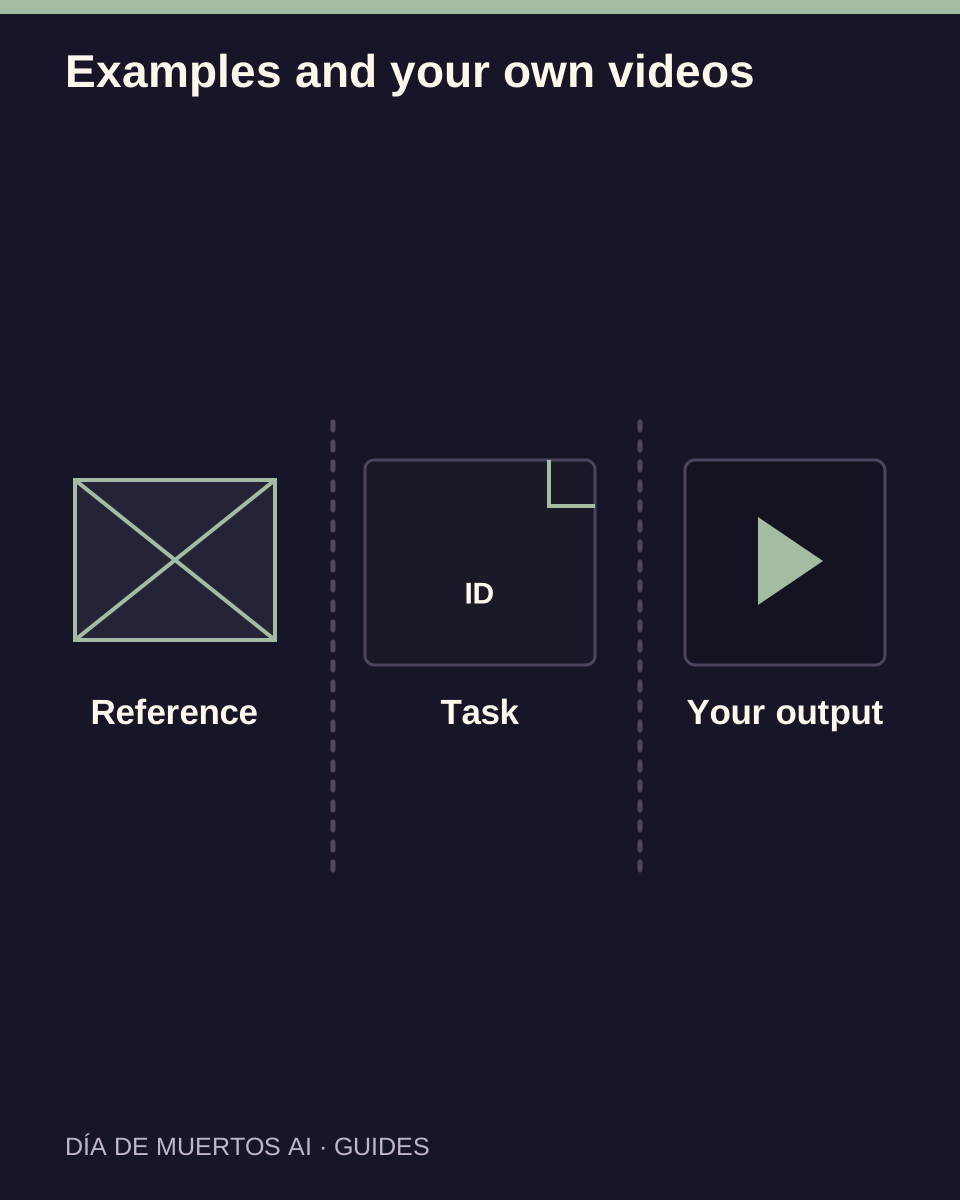
An external reference shows another source’s work. An editorial illustration explains a concept. A site-generated example should correspond to an actual recorded output.
Read the visible title and source context. Hosting a file on the same website does not by itself prove who generated it.
Compare the same kind of task
Check whether the example shows a person or pet, one subject or several, and a memorial scene or a different action. Those differences affect what you should expect.
A person example cannot establish pet anatomy or species preservation. Judge each input type against its own intended outcome.
Find your personal work in the account
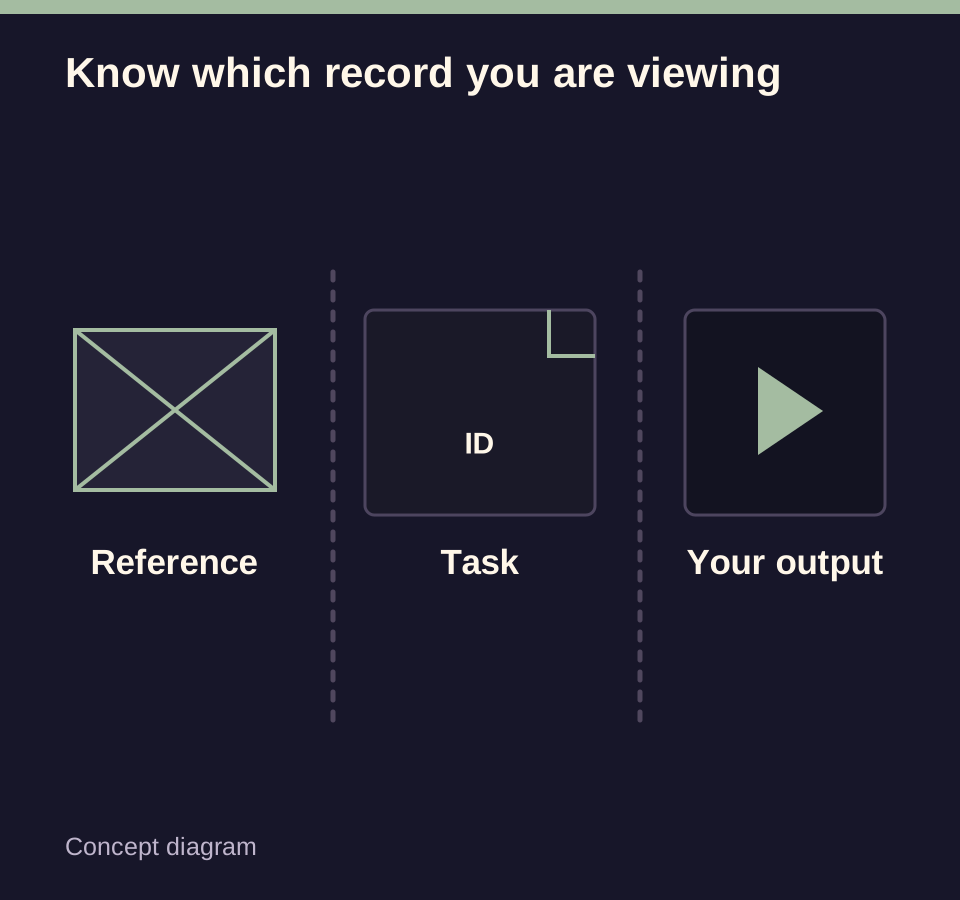
After a submission, follow the task in your account’s work list. Confirm the work identifier and settings when several versions appear.
Pending work may show an input thumbnail. That picture is not proof that a generated video has already been delivered.
Review your own complete result
Watch the entire personal output at normal speed and compare it with your photo. Check identity, motion, framing and any audio.
A sample’s resolution, soundtrack or duration cannot establish the settings or quality of your own submission.
Download from the selected personal work
Use your selected completed work’s download control and open the saved file. Confirm you have not saved a public reference or thumbnail by mistake.
If the task or delivery is unclear, keep the original identifier and follow its status before starting another generation.
Questions about this task
No. Follow the private work record associated with your own submission.