
Share a memorial video on mobile
Save the checked video file, review the destination app’s crop and sound, then choose the audience deliberately.
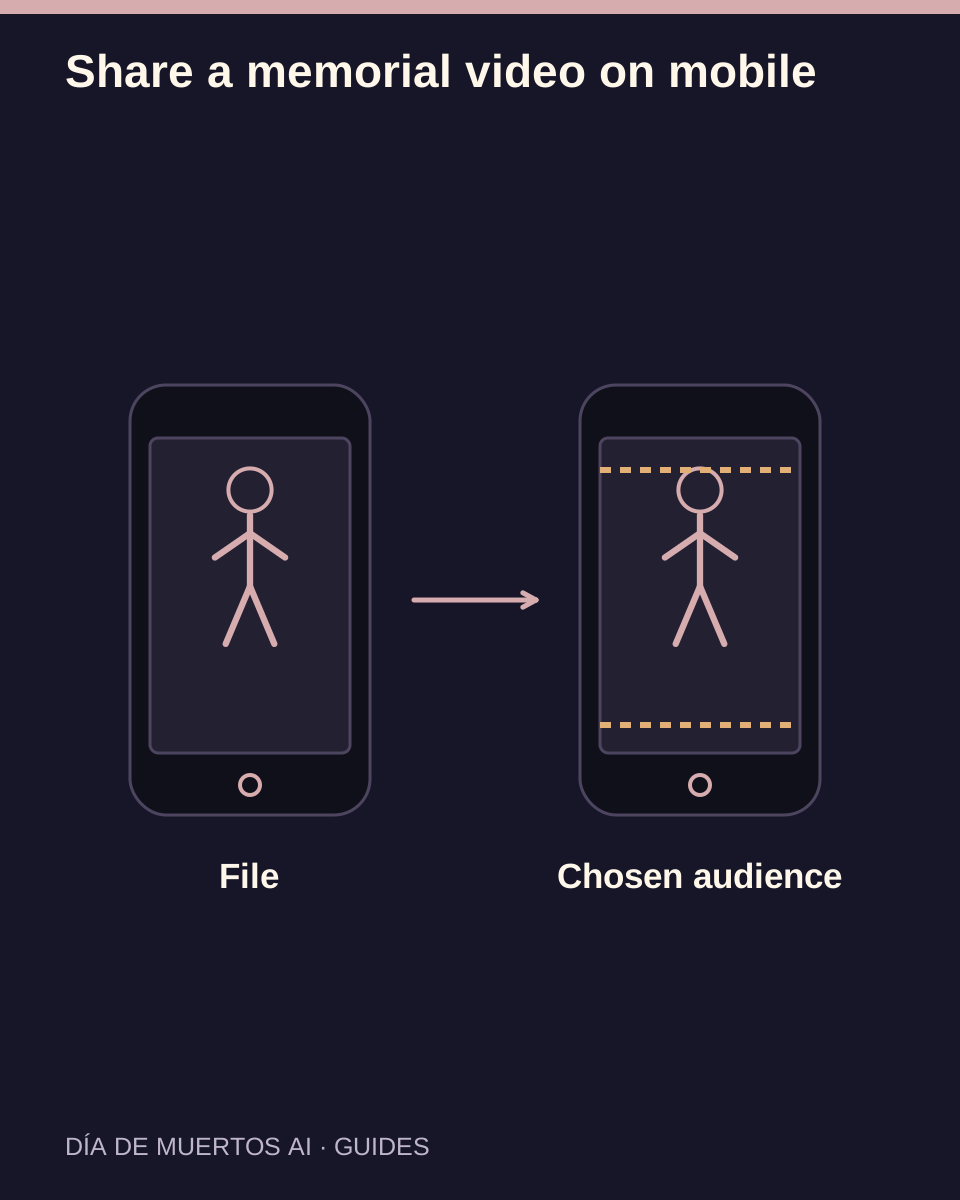
The short answer
First download and open the approved video on your phone. Share that file through the app you choose, inspect its final preview and select an audience that suits the memorial.
In this guide
At a glance
| Review point | What to check |
|---|---|
| Start with the approved work | Identify the version before opening another app. |
| Find the saved video on the device | Browser downloads and the photo library may be separate. |
| Inspect the destination preview | Apps can change framing, audio and quality. |
| Add music only with the relevant rights | An available song does not authorize every use. |
| Choose the audience and retain a private copy | Publication is a separate decision. |
Start with the approved work
Select the work you already reviewed. Similar thumbnails can belong to different attempts, so confirm the work and settings before downloading.
Keep a local filename that helps you recognize the approved version. A browser tab or screenshot is not the video file.
Find the saved video on the device
After downloading, use the browser’s downloads list or your phone’s file manager. Open the file and confirm its complete duration and picture.
If it is not yet in the destination app’s picker, use the device’s supported save or import action. Do not keep generating while looking for a downloaded file.
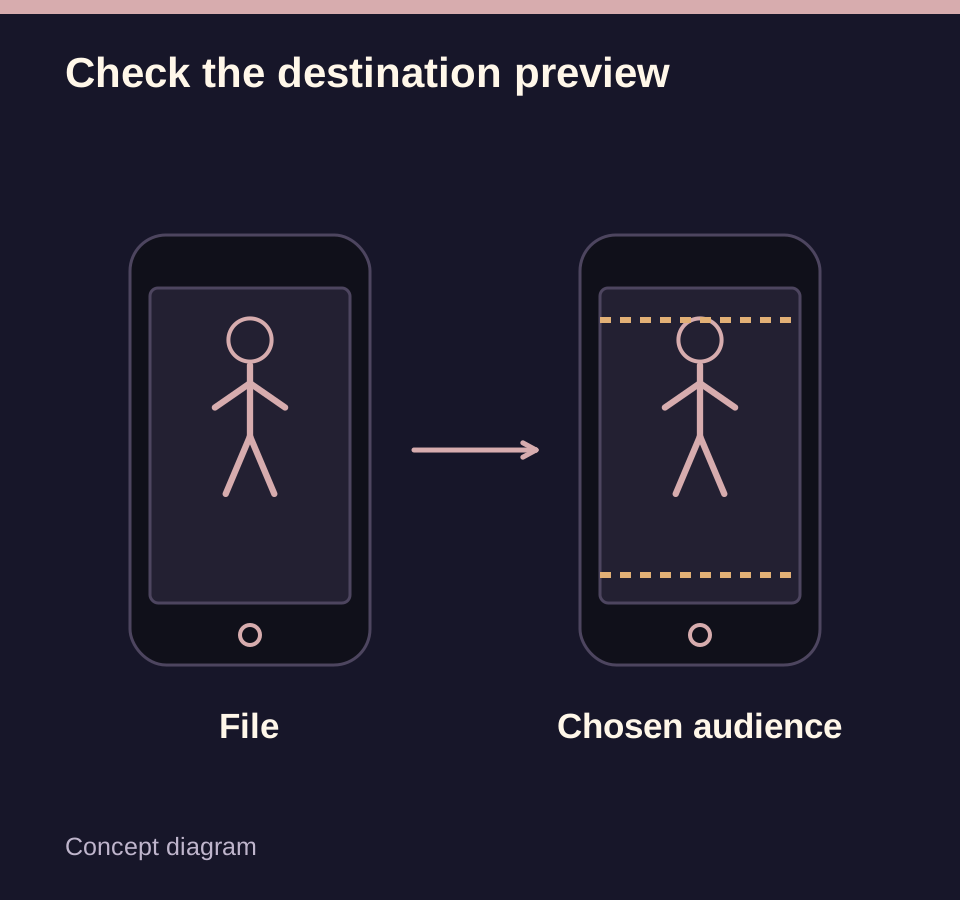
Inspect the destination preview
Check whether the app fills a portrait frame by cropping, adds an overlay or mutes the audio. Play the preview from the beginning to the end.
If you add text, keep the face, muzzle and important motion clear. Read all names and dates yourself before proceeding.
Add music only with the relevant rights
Use a track that is permitted for your intended post and account context. Music options may differ by app, region or commercial use.
The memorial’s tone matters. A quiet version or a simple caption may suit family viewing better than a trending song.
Choose the audience and retain a private copy
Review privacy and audience settings before posting. Ask close relatives when the video depicts someone they may not want publicly animated.
Keep the checked original download. The app’s compressed or cropped post is a sharing version, not a replacement for your archive.
Questions about this task
No. Download and open the actual video file, then select it in the destination app.