
Show the full video frame
Understand source ratio, thumbnail crops and full playback before deciding a subject has disappeared.
The short answer
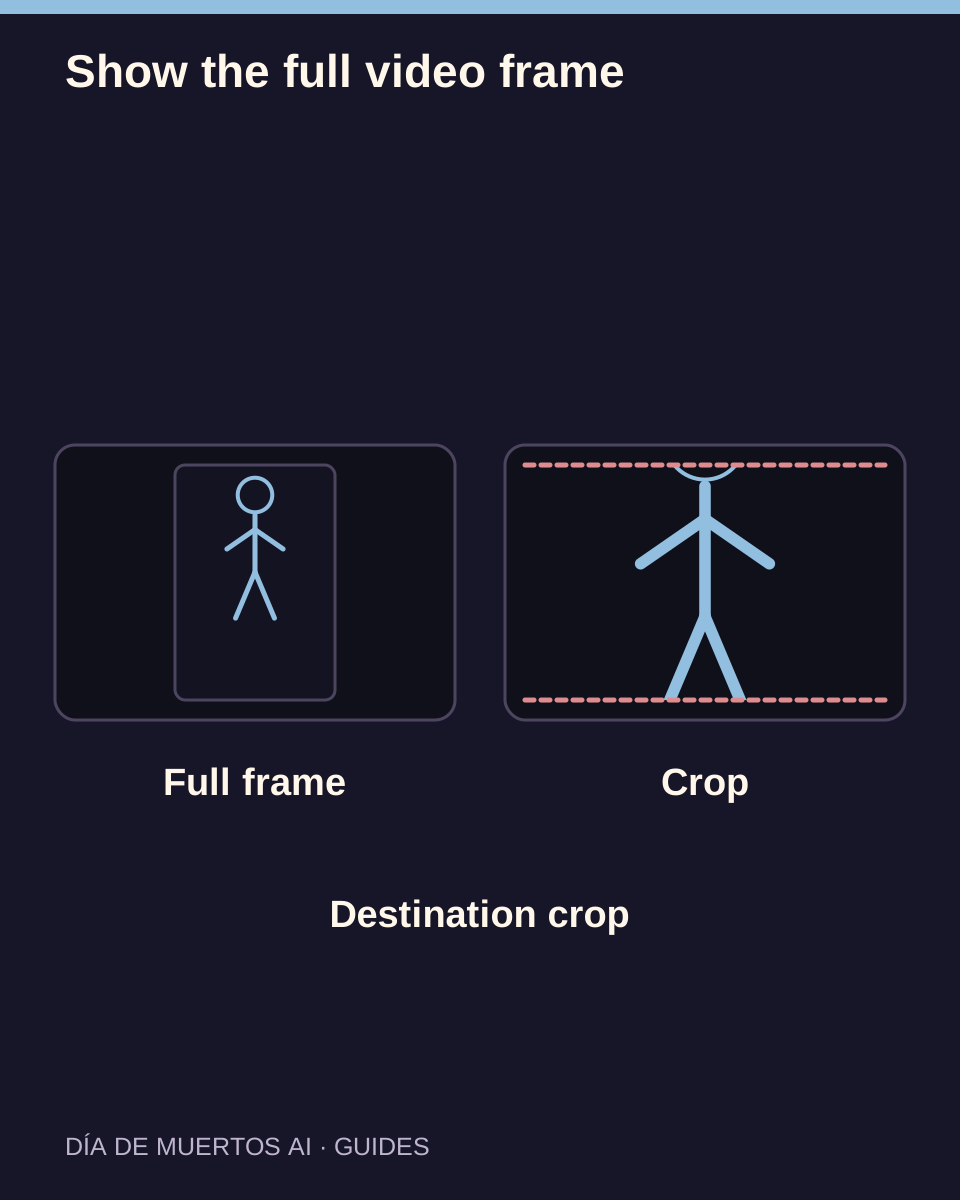
The source video has its own width and height. A thumbnail can crop that source, while full playback should let you inspect the complete frame. Check the downloaded file before changing a generation setting.
In this guide
At a glance
| Review point | What to check |
|---|---|
| Read the source format first | Portrait and landscape describe the actual video dimensions. |
| Distinguish contain from cover | Filling a box and revealing the whole image are different goals. |
| Inspect safe space around the subject | Leave room for the movement you want to keep. |
| Check the destination app’s preview | A social app may crop again. |
| Report source and display separately | A useful report identifies the stage where cropping happens. |
Read the source format first
Check the selected aspect ratio before submitting. After delivery, compare the file dimensions with that choice instead of inferring the ratio from a card-shaped thumbnail.
A wider preview container does not make a portrait video landscape. The surrounding empty area can simply be space needed to show the full frame.
Distinguish contain from cover
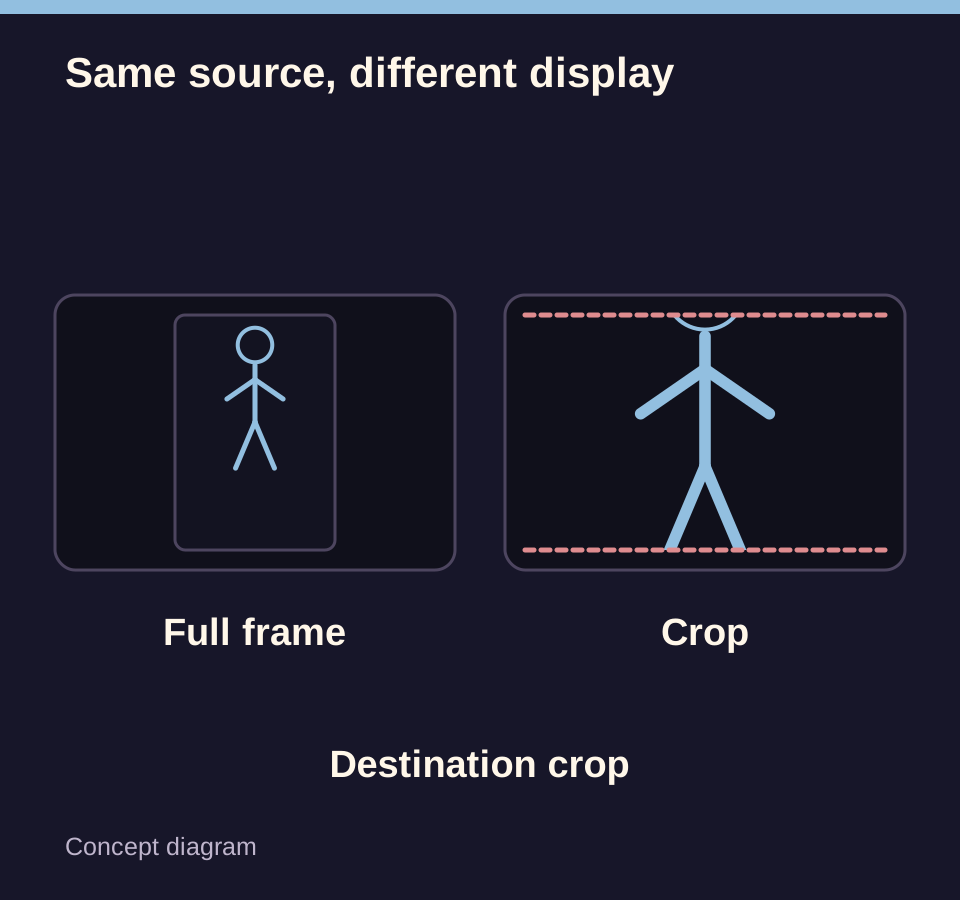
A contain display keeps the whole source visible and may leave bars. A cover display fills the available box by cropping an edge. This is useful for some cards but unsuitable for judging whether all of a person is present.
Open the full player before reporting a missing head, foot or pet tail that appears absent only in a small crop.
Inspect safe space around the subject
At full playback, watch the upper and lower edges through the complete clip. A person may fit while still and move out of frame during a gesture; a pet’s tail may leave the border on a turn.
Changing a display box does not reconstruct content that was never generated outside the source frame. Evaluate the file itself.
Check the destination app’s preview
Upload the saved file into the intended app and inspect its preview before publishing. Keep faces and key details away from interface overlays and text labels when editing.
If a crop is required, choose it deliberately and replay the final export. Do not stretch the video to fit a different ratio.
Report source and display separately
Say whether the issue appears in the card, full player, downloaded file or destination app. Include a time range and the selected work.
Keep the original downloaded video. An edited crop can be a useful sharing version, but it should remain distinguishable from the complete source.
Questions about this task
Not necessarily. They can preserve the complete frame inside a differently shaped player.