
Check a memorial video before publishing
A practical full-clip review of identity, movement, scene treatment, sound and the exact file you intend to share.
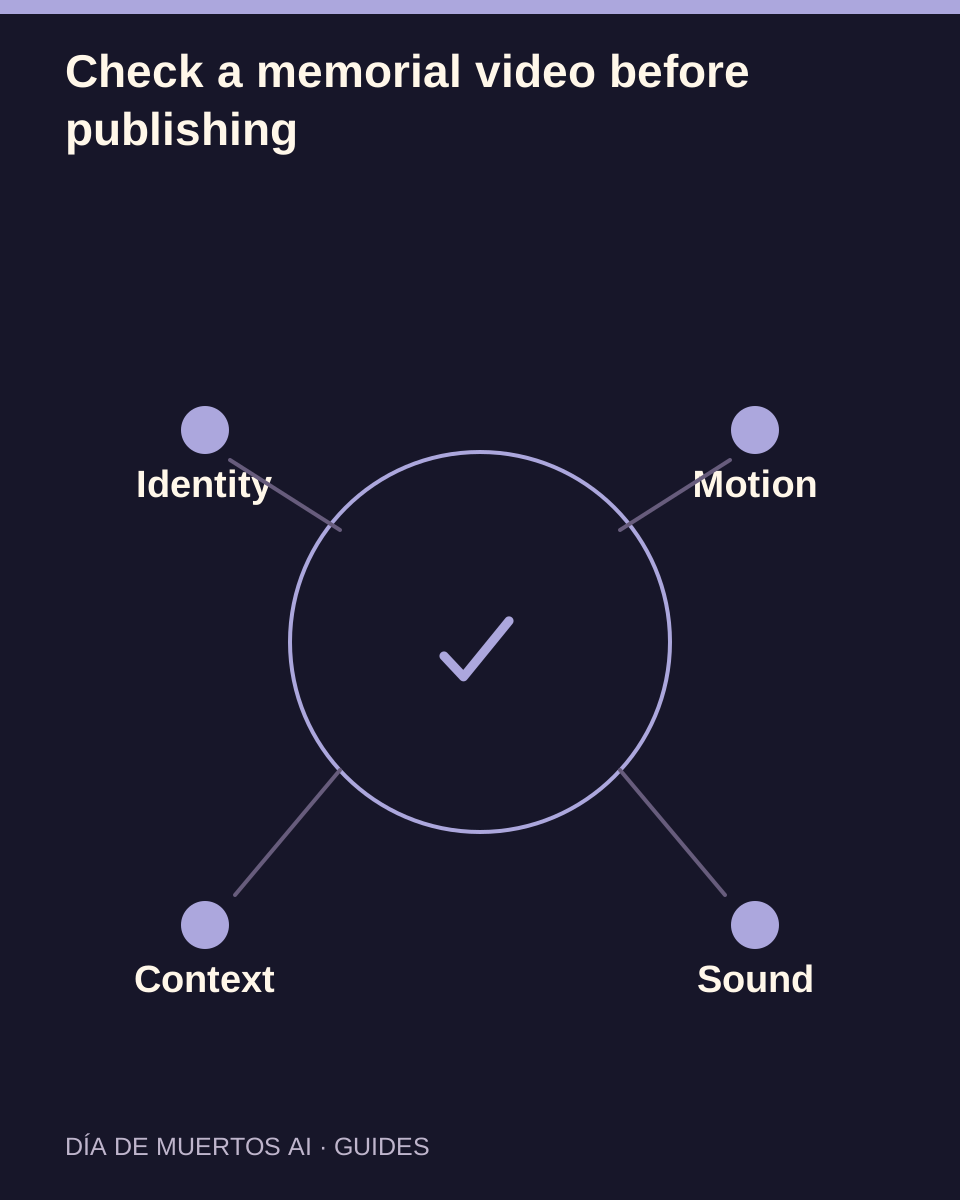
The short answer
Watch the whole clip at normal speed, then open the saved file and check it again. A strong opening, a completed task state or an attractive thumbnail cannot establish that the entire result is appropriate to publish.
In this guide
At a glance
| Review point | What to check |
|---|---|
| Compare the subject with the original photo | Recognizable features should remain coherent. |
| Follow the full action | Inspect transitions rather than only good poses. |
| Check the memorial tone and context | The audience should understand the image as a creative remembrance. |
| Listen and inspect the full frame | Audio and cropping deserve independent checks. |
| Make a clear publish or revise decision | Keep the reviewed file and the issue report separate. |
Compare the subject with the original photo
Check the face, hair and proportions or the pet’s species, markings and ears. Review the beginning, middle and end, especially turns and moments when decorations cross the face.
Separate intended styling from an accidental change during the clip. Record a time range when a feature drifts.
Follow the full action
Watch hands, feet, paws and tails throughout each movement. Look for disappearing limbs, duplicated details, sliding contact with the ground or a sudden cut in position.
Normal playback matters. Speeding up the result can hide pauses and unstable motion that viewers will see in the shared version.
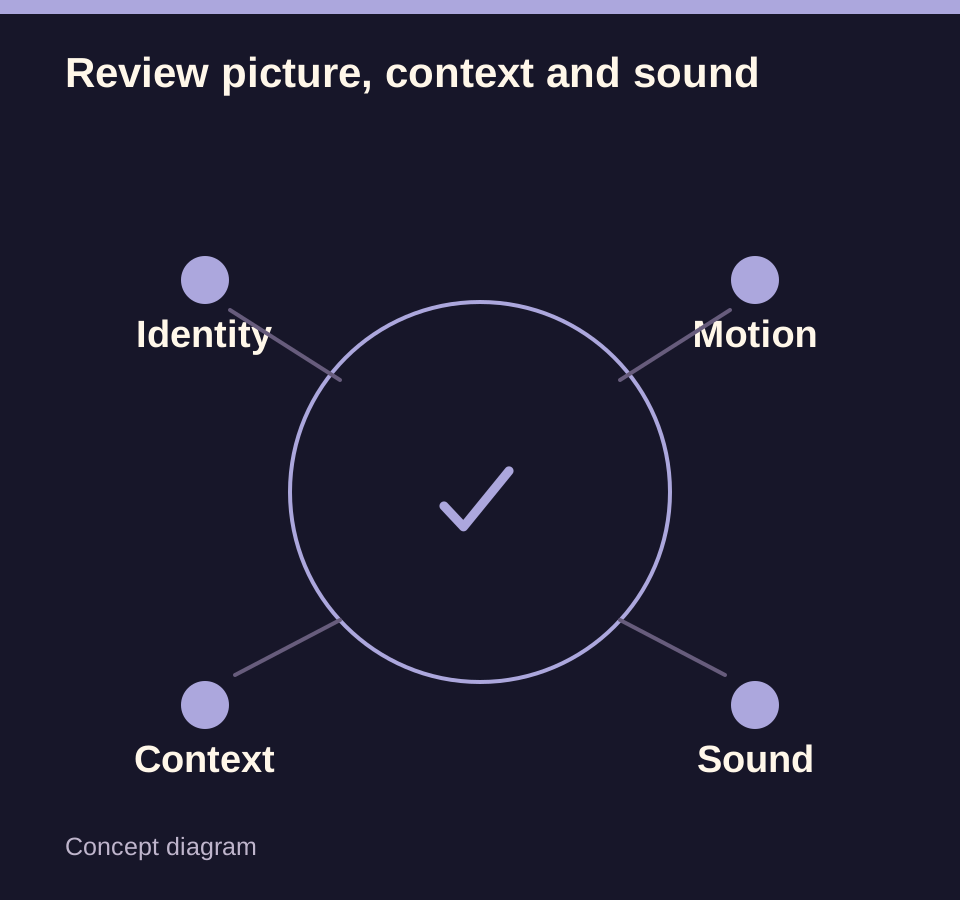
Check the memorial tone and context
Consider whether the setting suits the person or pet and whether close relatives are comfortable with it. Do not describe generated scenes as a recovered recording or a real spiritual event.
Check any written names or dates yourself. Generated lettering can be inaccurate even when the image looks polished.
Listen and inspect the full frame
If sound is present, listen for sudden voices, gaps or an unsuitable mood. Open the full player to distinguish a thumbnail crop from the source video’s actual boundaries.
In the destination app, inspect overlays and crop settings before publishing. The app may change how the same file appears.
Make a clear publish or revise decision
Open the downloaded video and confirm the exact version, complete duration, framing and audio. Share that checked file rather than a screenshot or an older draft.
If a problem remains, note the interval, the work and its settings for support. Another submission is a new attempt; it is not an automatic correction of the existing file.
Questions about this task
No. Completion establishes task state; you still need to review the actual content and saved file.