
Check sound and voice continuity
Listen to any generated soundtrack without confusing it with the real voice of the person in the photograph.
The short answer
If the completed video includes sound, listen from beginning to end. A photograph contains no voice recording, so do not describe a generated voice as the actual voice of the person or pet shown.
In this guide
At a glance
| Review point | What to check |
|---|---|
| Decide whether sound belongs in the memorial | A quiet result may suit the intended audience. |
| Separate likeness from vocal identity | A recognizable face does not authenticate a voice. |
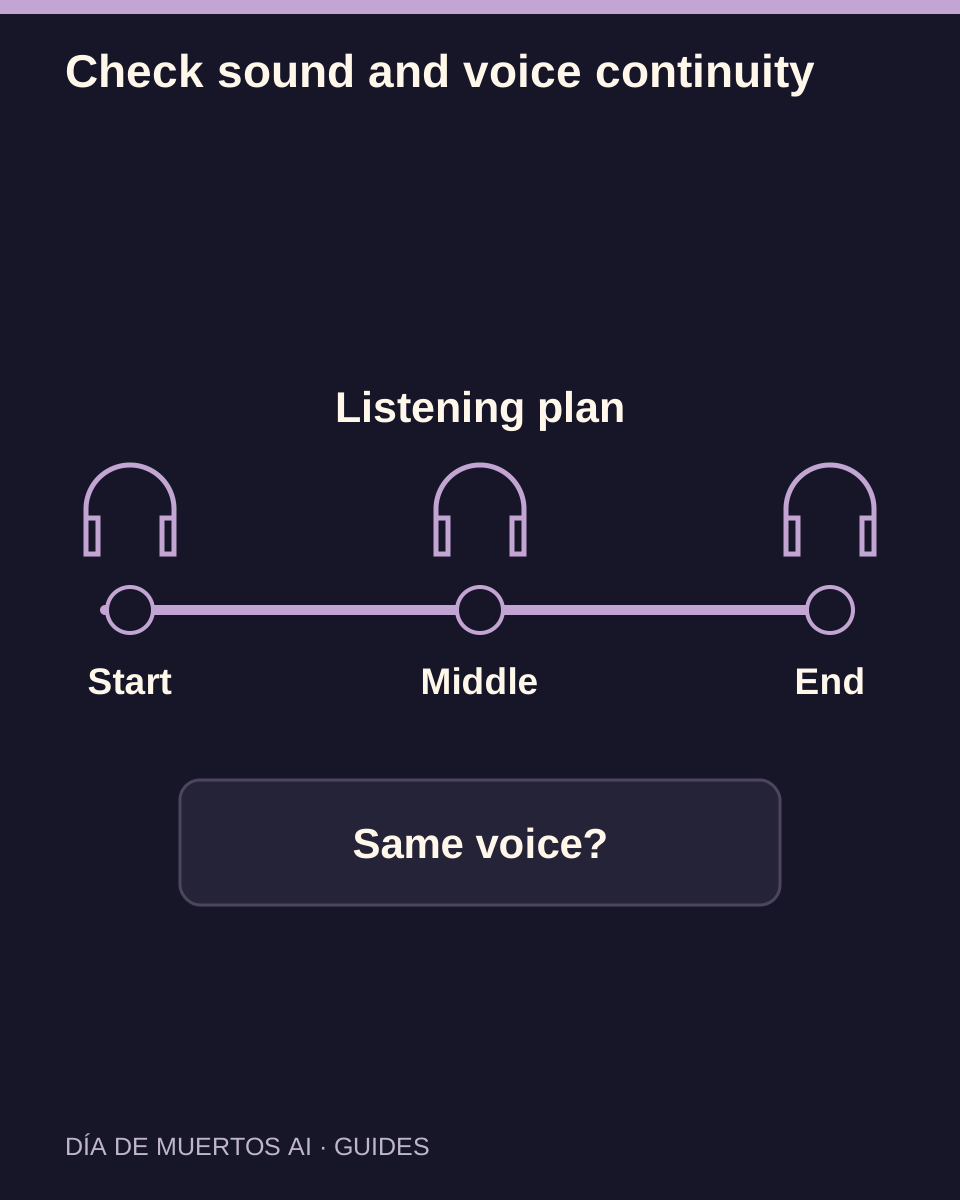
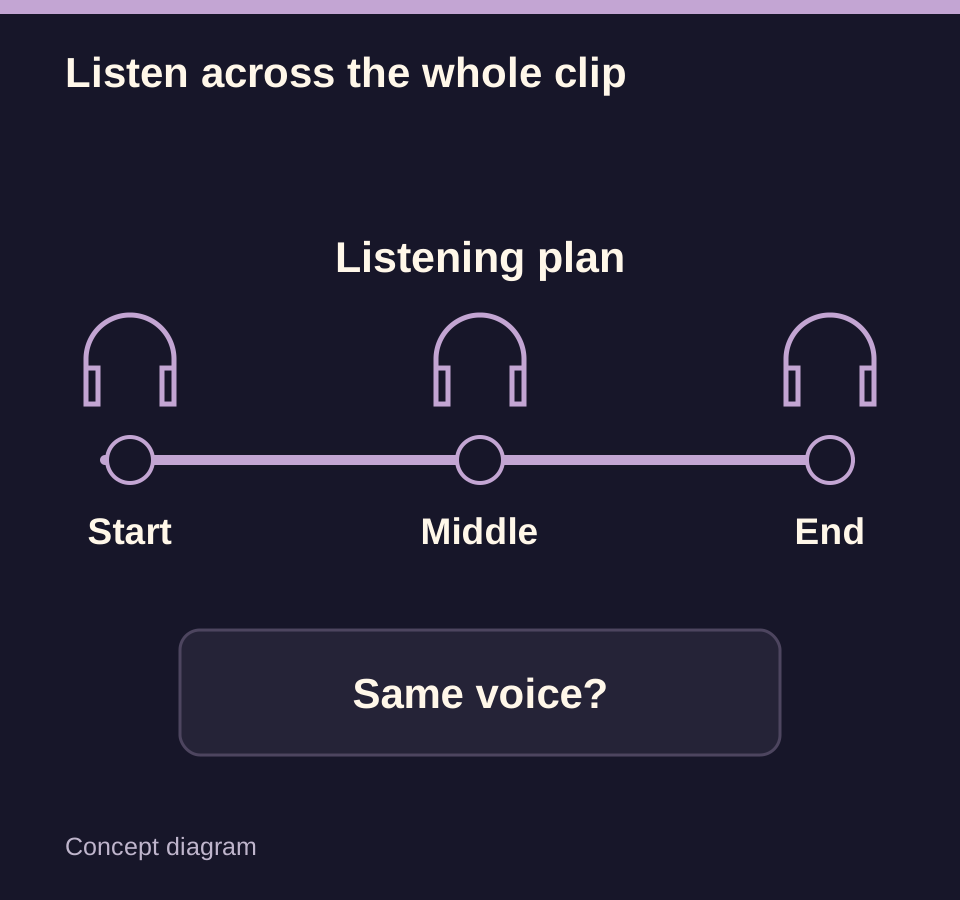
| Listen at the beginning, middle and end | Changes can appear after a pause or transition. |
| Record the audible issue precisely | Describe the transition rather than asking for better sound. |
| Review music rights before publishing | Your sharing app’s rules still apply. |
Decide whether sound belongs in the memorial
Before sharing, consider whether music, ambience or speech supports the memory. The preferences of close family members may matter more than a dramatic soundtrack.
The available model and workflow determine whether audio is generated. A reference video’s music is not a promise that the same track will be included.
Separate likeness from vocal identity
The uploaded photo supplies visual reference, not a voice sample. Generated speech must not be presented as an actual recording or a newly discovered message from the subject.
Check the current controls: a quality or duration setting does not by itself select a voice or grant rights to a song.
Listen at the beginning, middle and end
Use one playback device and a consistent volume. Listen once without skipping, then replay places where the apparent speaker, language, music or recording character changes.
A waveform or the presence of an audio track only establishes that sound data exists. It does not establish a suitable or coherent soundtrack.
Record the audible issue precisely
Note a range such as 00:05–00:07 and describe clipping, silence, an unexpected voice, a language change or a shift in ambience. Include the work and settings in your support report.
A model change does not guarantee sound continuity. Another generation is a separate attempt with a new quote, so follow the current task first.
Review music rights before publishing
If you add music later, use a track you are allowed to publish in that context. A song being available in one app does not establish every off-platform use. Contact support
Open the saved video and confirm the audio is present when expected. If you intentionally mute it for sharing, check the final exported file rather than only the browser volume control.
Questions about this task
No. A photograph does not contain a voice recording. Do not label generated audio as the real subject’s voice.