
Review natural motion in a memorial video
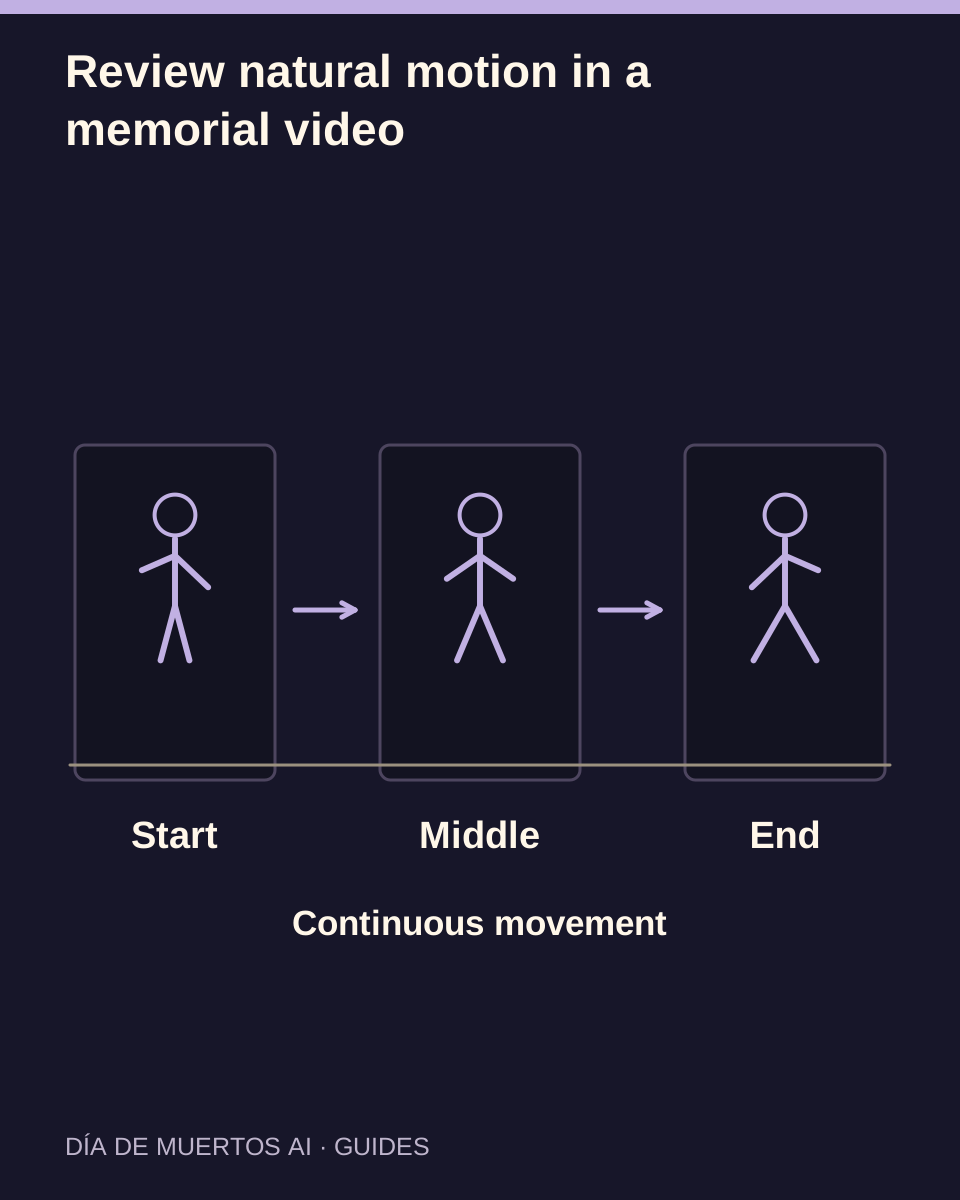
Check the subject’s movement, camera stability and interaction with the ground across the complete clip.
The short answer
Judge movement at normal playback speed. A person and a pet need different anatomy checks, but both should move continuously, remain recognizable and keep a believable relationship with the scene.
In this guide
At a glance
| Review point | What to check |
|---|---|
| Begin with a readable pose | The input should show enough of the subject to interpret. |
| Follow one action from start to finish | Continuity matters more than a dramatic opening. |
| Use scene landmarks to inspect the camera | A stable path helps reveal drifting motion. |
| Describe the fault with a time range | State what moves incorrectly and when. |
| Keep the full review and saved-file check together | A thumbnail cannot establish a successful action. |
Begin with a readable pose
Choose a photo with a visible face or muzzle and an understandable posture. Strong occlusion can leave the model to invent how limbs connect or what is behind an object.
A still photograph does not contain a complete action sequence. The generated movement is new, not a recovered recording of what the subject once did.
Follow one action from start to finish
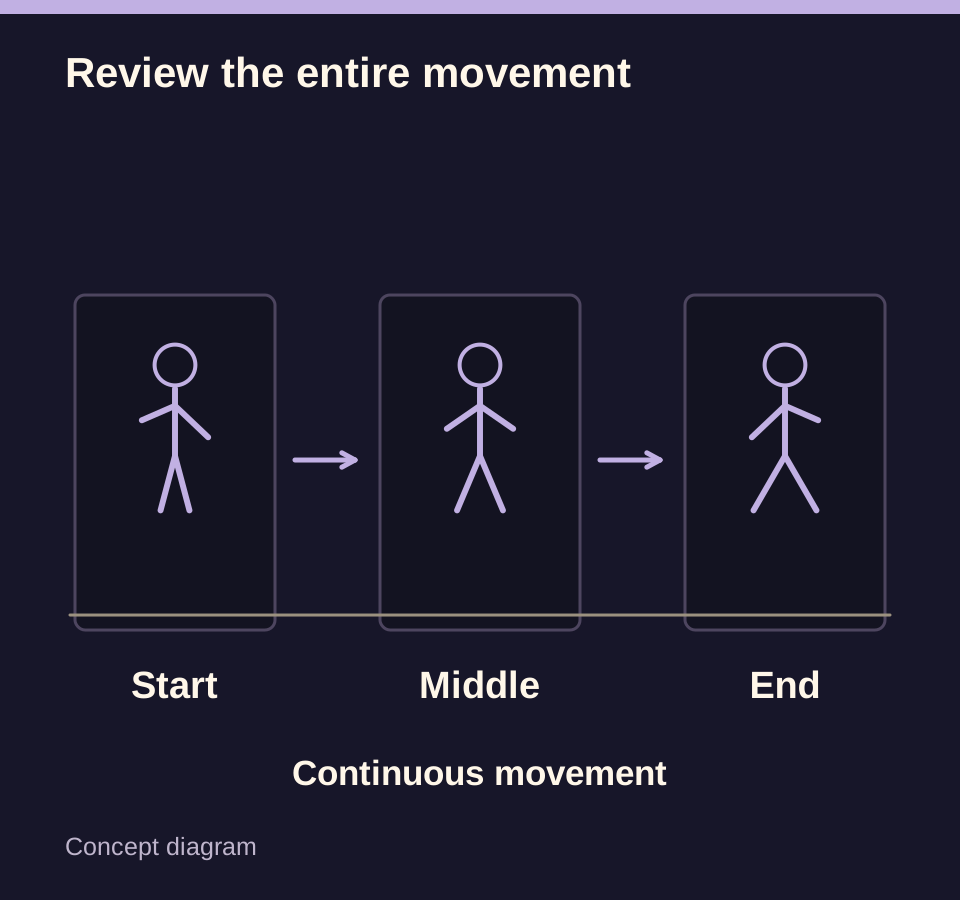
Watch how a glance, step or turn begins, develops and ends. Look for sudden position jumps, frozen areas or limbs that appear only for one moment.
Check people’s hands and shoulders separately from pet paws, legs and tails. A pet’s movement should remain appropriate to its species rather than copy a human dance.
Use scene landmarks to inspect the camera
Follow the path edges or a stationary background feature while the subject moves. Unintended jumps in both the subject and background can suggest a discontinuity rather than a deliberate camera move.
Do not judge movement by speeding up playback. A fast preview may hide pauses, sliding feet or an abrupt change of direction.
Describe the fault with a time range
Record a range such as 00:03–00:05 and describe the body part, direction or contact point. Include the selected work and settings when contacting support.
Changing the photo or a supported setting can define a new attempt, but no individual setting guarantees the repair of a motion fault.
Keep the full review and saved-file check together
Watch the complete result, then open the downloaded video and repeat the movement check. Confirm you saved the intended version. Contact support
Follow an unresolved task under its existing record. A new submission creates another attempt and should follow a fresh quote review.
Questions about this task
No. A still image supplies visual reference; the video’s movement is generated.